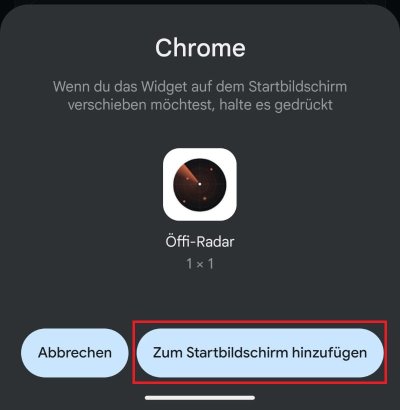
🤖 Für Android
(Using Google Chrome)
Open Google Chrome and go to Öffi-Radar.
Tap the three dots (menu) in the top-right corner.
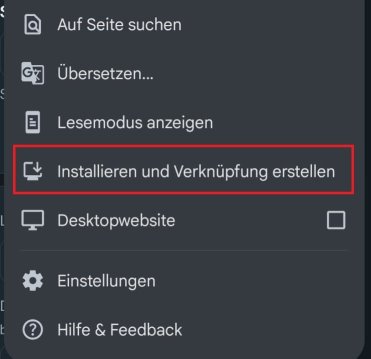
From the menu, select “Add to Home Screen” or “Install App.”
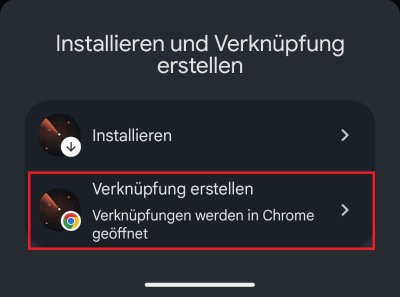
Confirm the prompt by tapping “Install” or “Add.”
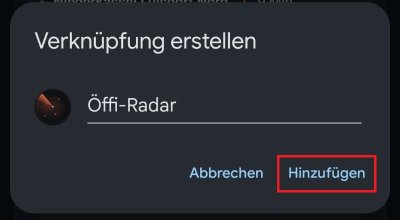
Done! The web app is now installed on your device and works just like a regular app.